
Booklet printing tips to design, print, and distribute effectively
Whether you’re promoting a product, educating customers, or sharing event information, booklet printing can be one of the most cost-effective and impactful ways to communicate. But getting a booklet right involves more than just exporting a PDF and hitting “print.” You need to think through design, paper, binding, costs, and distribution so your piece feels professional and actually gets read.
This guide walks you step-by-step through planning, designing, printing, and distributing booklets that look great and deliver real results.
Step 1: Define your booklet’s purpose and audience
Before opening InDesign or talking to a printer, decide what your booklet needs to do.
Ask yourself:
-
What is the primary goal?
- Educate? (e.g., product manuals, training booklets)
- Sell? (e.g., catalogs, service guides, sales brochures)
- Inform? (e.g., event programs, community guides, handbooks)
-
Who is the audience?
- Age, industry, familiarity with your topic
- Preferred reading style (skimmers vs. detail-oriented)
-
How will it be used?
- Quick-reference piece kept on desks
- Takeaway at events
- Mailed as part of a campaign
Your answers will influence everything from page count and size to tone, layout, and print specifications. For example, a technical manual may need sturdy paper and lots of white space, while a promotional booklet might demand vibrant color and glossy stock.
Step 2: Plan your content and structure
Strong booklet printing starts with clear content organization. Don’t jump straight to design; work out the structure first.
Map your content
Outline your booklet like a mini-book:
- Front cover – Clear title, branding, a strong visual, and a compelling subtitle or benefit statement.
- Inside front cover – Table of contents or a short introduction.
- Core sections – Group related content into logical chapters or sections.
- Back pages – Calls to action, contact details, social media, legal info.
- Back cover – Strong closing message and key contact/URL/QR code.
Create a page-by-page plan: what goes where, approximate word counts, and the type of visuals (photos, charts, icons) you’ll need.
Keep it concise and scannable
Readers skim. Make it easy to find what they need:
- Use headings and subheadings to chunk information.
- Break text into short paragraphs.
- Use bullet points for lists and key benefits.
- Add pull quotes or highlighted text for emphasis.
Aim for clarity over cleverness. Booklet printing works best when content is easy to digest, not crammed edge-to-edge.
Step 3: Choose the right size and format
Your booklet’s size affects cost, readability, and perceived value.
Common booklet sizes
- 5.5" x 8.5" – Compact, great for manuals and handouts.
- 8.5" x 11" – Standard letter size; ideal for reports, catalogs, and guides.
- A5 (148 x 210 mm) – Popular outside North America, portable and neat.
- Custom sizes – For premium pieces or when it must fit packaging.
When possible, choose a size that optimizes sheet usage on commercial presses—your printer can advise which formats minimize waste and reduce cost.
Decide on orientation and page count
- Portrait is standard and usually easier to read.
- Landscape can be effective for portfolios, photo booklets, or wide charts.
Remember: most booklet printing is done in multiples of four pages (because of how pages are imposed on press sheets). Plan your content to end on a page count divisible by 4 (e.g., 12, 16, 20, 24 pages) to avoid blank pages or last-minute layout changes.
Step 4: Design fundamentals for professional booklets
Design is where perception is won or lost. A few best practices can make any booklet feel more polished.
Start with a grid and consistent styles
Use a layout program like Adobe InDesign, Affinity Publisher, or Scribus (free) and set up:
- A column grid for text alignment.
- Master pages for repeating elements (page numbers, headers, footers).
- Paragraph and character styles for consistent headings, body text, and captions.
Consistency helps readers navigate and makes your brand look more credible.
Use typography strategically
- Choose a legible body font (serif or sans-serif) at 9–11 pt for most booklets.
- Limit yourself to 2–3 typefaces: one for body, one for headings, maybe one accent.
- Maintain good line spacing (typically 120–140% of the font size).
- Stick to a clear hierarchy: title > heading > subheading > body.
Incorporate images and graphics wisely
High-quality visuals elevate your booklet:
- Use 300 dpi images at final size for crisp printing.
- Avoid stretching or pixelated images.
- Use charts, icons, and infographics to simplify complex data.
- Leave adequate white space around images and text for clarity.
Confirm your printer’s color profile requirements (e.g., CMYK vs. RGB) and convert images accordingly.
Step 5: Select paper, binding, and finishes
The tactile feel of your booklet is as important as the design on-screen.
Paper choices
-
Text (inner pages):
- 70–100 lb text (or 90–150 gsm) for most booklets.
- Uncoated stock feels more “book-like” and is better for lots of text.
- Coated (silk, matte, or gloss) enhances photos and color vibrancy.
-
Cover:
- 80–100 lb cover (or ~200–270 gsm) for a sturdy feel.
- Heavier covers signal quality and durability.
Binding methods for booklet printing
Common binding options:
-
Saddle stitch (stapled fold)
- Ideal for 8–64 pages depending on paper thickness.
- Cost-effective and fast.
- Lays relatively flat; great for programs, zines, and small catalogs.
-
Perfect binding (glued spine)
- Best for thicker booklets/book-style pieces.
- Professional, square spine look.
- Slightly more expensive; doesn’t lay completely flat.
-
Spiral/Wire-O binding
- Pages lay completely flat.
- Great for manuals, workbooks, cookbooks, and training guides.
- Less formal; not typically used for high-end marketing.
Discuss your page count and goals with your printer to choose the best option.
Finishing touches
Consider these upgrades:
- Lamination or UV coating on covers to increase durability and resist scuffing.
- Spot UV to highlight logos or titles.
- Foil stamping or embossing for premium, high-impact covers.
These options add cost but can significantly increase perceived value—ideal for flagship brochures or investor materials.
Step 6: Prepare print-ready files correctly
Even a beautifully designed booklet can run into problems at the printing stage if files aren’t prepared properly.
Work in the right color space and resolution
- Use CMYK for print; convert from RGB before final export.
- Ensure all images are 300 dpi at their printed size.
- Avoid low-res screenshots or web images unless you understand their limitations.
Set bleed, margins, and safe zones
To avoid unwanted white edges or cut-off text:
- Add bleed—typically 1/8" (3 mm) beyond the trim on all sides.
- Keep critical content (text, logos) within a safe zone inside the trim (usually 1/4" / 6 mm from the edge).
- Ask your printer for their preferred specs or a template.
Choose the right export settings
Export as PDF/X-1a or PDF/X-4 if possible, using your printer’s recommended settings:
- Embed all fonts or convert to outlines (follow your printer’s policy).
- Include bleed and crop marks.
- Flatten transparency if required (older RIPs may need this).
Always review a final proof—either a digital soft proof or a printed hard proof—before approving the full run.
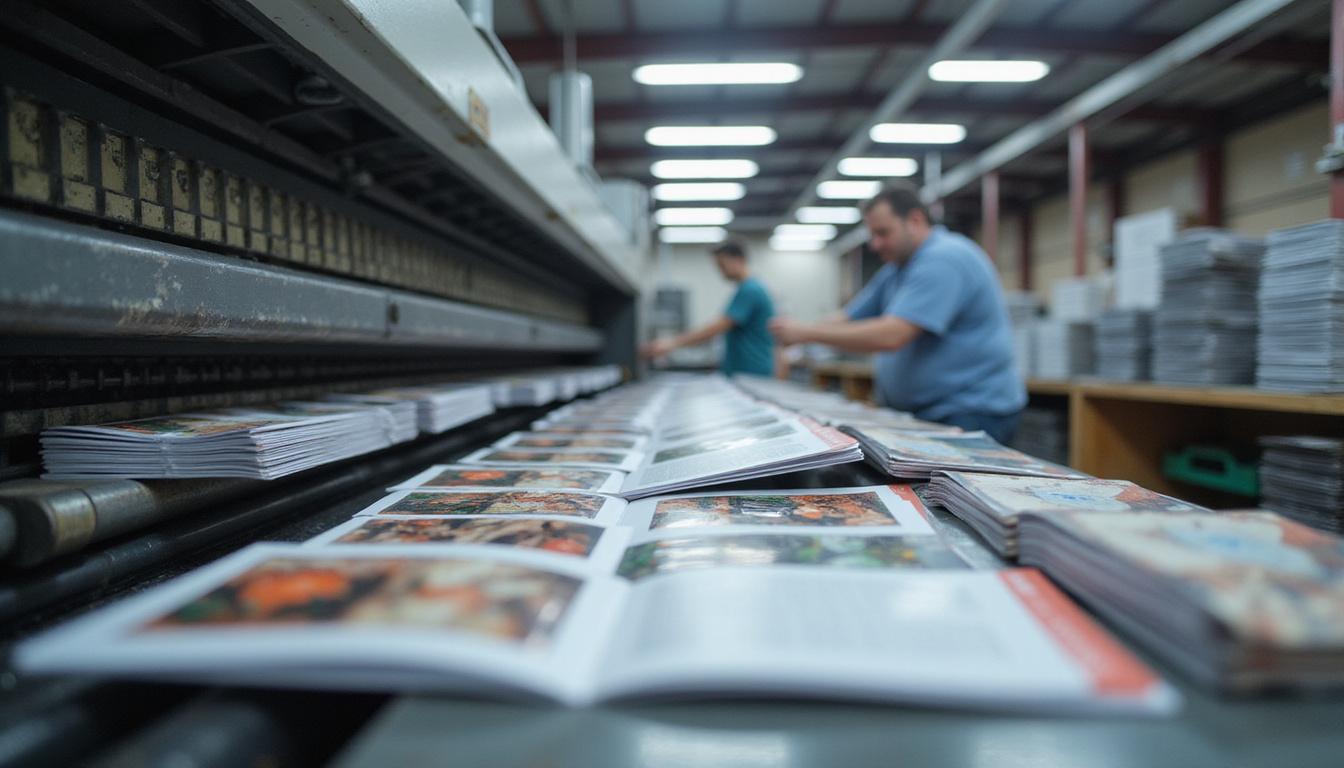
Step 7: Estimate costs and optimize your print run
Efficient booklet printing balances quality, quantity, and budget.
Factors affecting cost
- Quantity (unit cost drops as volume increases).
- Page count and size.
- Paper stock and binding type.
- Color vs. black & white.
- Finishing options (coatings, special binding, etc.).
- Turnaround time (rush jobs cost more).
Ask for itemized quotes from multiple printers and test different quantities. Often, printing slightly more than you need is cheaper per unit and provides extras for additional distribution.
Digital vs. offset printing
-
Digital printing
- Best for short runs (e.g., under 500–1,000 copies).
- Fast turnaround.
- Easy to personalize content (variable data printing).
-
Offset printing
- More economical for large runs.
- Excellent color consistency and quality.
- Higher setup cost, so less efficient for very small quantities.
Professional industry resources like Printing Industries of America can provide in-depth guidance on choosing technologies and vendors (source: Printing.org).
Step 8: Plan your distribution strategy
Printing is only half the job. Effective distribution ensures your booklets actually reach and engage your audience.
Decide how you’ll get booklets into people’s hands
-
In-person events
- Trade shows, conferences, seminars, open houses.
- Handouts in sales meetings or consultations.
-
In-store or on-site
- Reception areas, waiting rooms, product displays.
- Packaged with purchases or samples.
-
Direct mail
- Sent to targeted mailing lists.
- Included with welcome kits, renewal letters, or customer onboarding materials.
-
Partnerships
- Distribute via partner businesses, industry associations, or local organizations that share your audience.
Match the volume and design to your distribution plan. A premium, perfect-bound booklet might be reserved for high-value prospects, while a simpler saddle-stitched version works for broad outreach.
Make your booklet measurable
To understand ROI, build tracking into your booklet:
- Use unique URLs or landing pages.
- Add QR codes that link to specific offers or resources.
- Include campaign-specific promo codes.
- Encourage readers to subscribe, follow, or contact you in trackable ways.
This turns your booklet from a static piece into a measurable marketing asset.
Step 9: Align print and digital for maximum impact
A strong booklet strategy doesn’t live in isolation. Integrate your printed content with your digital presence:
- Repurpose booklet content as blog posts, PDFs, or gated resources on your website.
- Promote your booklet via email and social media.
- Offer a digital download version alongside the printed one.
- Use the booklet as a “leave-behind” that reinforces what visitors saw online.
This multi-channel approach improves brand recognition and extends the lifespan of your content.
Quick checklist for successful booklet printing
Use this list before you send files to your printer:
- Purpose and audience clearly defined
- Content outlined and edited for clarity
- Page count is a multiple of 4
- Design uses consistent grid, styles, and hierarchy
- Images are high resolution (300 dpi) and CMYK
- Bleed, margins, and safe zones set correctly
- Paper stock and binding method chosen
- Finishing options (if any) confirmed
- Print-ready PDF exported with correct settings
- Proof reviewed and approved before full run
FAQ about booklet printing and design
Q1: What is the best file format for professional booklet printing?
Most printers prefer PDF files exported with PDF/X standards (such as PDF/X-1a or PDF/X-4). These formats embed fonts, handle color profiles correctly, and preserve layout, making them ideal for booklet printing.
Q2: How many pages should a marketing booklet have?
There’s no universal rule, but effective marketing booklets often fall in the 12–24 page range. That’s enough space to explain your offer, show visuals, and include testimonials without overwhelming readers. Just remember page counts need to be in multiples of 4 for standard booklet printing.
Q3: Is digital or offset better for short-run booklets?
For short-run booklet printing (for example, under 500–1,000 copies), digital printing is usually more cost-effective and faster. For larger, recurring runs where color consistency is critical, offset printing often delivers better value and quality.
Turn your ideas into a high-impact printed booklet
A well-planned booklet can educate prospects, support your sales team, and strengthen your brand long after a meeting or event ends. By defining your purpose, structuring content clearly, making smart design and paper choices, and planning distribution from the start, you transform a simple print piece into a powerful communication tool.
If you’re ready to move from concept to a professionally printed booklet, start now by outlining your content, clarifying your audience, and contacting a trusted printer for specifications and samples. The sooner you put your message into a well-designed booklet, the sooner it can start working for your organization.