
If you sell any physical product, label printing isn’t just a back-office task—it’s one of the easiest ways to boost perceived quality, increase sales, and stay compliant with regulations. Whether you’re shipping boxes from your garage or stocking shelves in local boutiques, smart labeling can make your brand look more professional and trustworthy while saving you time and money.
Below are the practical label printing secrets most small business owners never hear about—but absolutely should.
1. Start with the purpose of your label, not the design
Before choosing colors or fonts, define what your label must do. Every label printing decision flows from this.
Common label purposes:
- Branding: Make your product stand out and communicate your brand story.
- Compliance: Include mandatory information (ingredients, warnings, barcodes, nutritional facts).
- Operations: Track inventory, shipments, or internal processes.
- Customer guidance: Provide instructions, usage tips, or expiration dates.
Ask yourself:
- Where will this label live? (bottle, box, bag, envelope, shelf)
- Who needs to understand it? (consumer, warehouse team, courier, regulators)
- How long must it last? (days, months, years)
- What information is critical vs. “nice to have”?
Once your purpose is clear, you can make better choices about size, materials, and printing technology.
2. Choose the right label material for your environment
The fastest way to waste money on label printing is to use the wrong material. Labels that smudge, peel, or fade make your business look unprofessional.
Common label materials and when to use them
-
Paper labels
- Best for: Boxes, envelopes, dry indoor products, short-term use.
- Pros: Inexpensive, easy to print, great for barcodes and shipping.
- Cons: Not moisture-resistant, can tear or scuff easily.
-
Glossy paper
- Best for: Retail products needing a polished look.
- Pros: Vibrant colors, “premium” feel, great for product labels.
- Cons: Shows fingerprints, can glare under bright lights.
-
Matte paper
- Best for: Handwritten details, minimal or eco-friendly brand feel.
- Pros: Easy to write on, sophisticated softer look.
- Cons: Colors are less punchy than glossy.
-
Polypropylene (BOPP) / polyester / vinyl
- Best for: Food & beverage, cosmetics, outdoor products, refrigerated or wet environments.
- Pros: Water, oil, and tear-resistant; long-lasting; great for bottles and jars.
- Cons: More expensive than paper.
Key secret: Always match label material to real-world usage—test your labels in the actual conditions (fridge, shipping box, steamy bathroom, car dashboard) before committing to a large print run.
3. Understand printing methods: in-house vs. outsourced
You have two broad paths for label printing: do it yourself or partner with a professional printer. Each has trade-offs.
In-house label printing
You print labels on your own printer, often using label sheets or rolls.
Best for:
- Small runs or frequent changes (seasonal flavors, batch numbers, promos).
- Startups testing designs or product variations.
- On-demand shipping labels and barcodes.
Pros:
- Full control and immediate turnaround.
- Easy to update content and design.
- Low entry cost if you already own a printer.
Cons:
- Higher cost per label for larger quantities.
- Quality depends heavily on your printer and materials.
- Can be time-consuming to cut, peel, and apply.
Professional label printing services
You send your artwork to a label printing company that uses digital or flexographic presses.
Best for:
- Larger quantities (hundreds to thousands).
- Retail-ready, premium product labels.
- Consistent, high-quality results.
Pros:
- Professional finish (precise colors, die cuts, coatings).
- Lower cost per label at scale.
- Help with material selection and compliance needs.
Cons:
- Longer lead times.
- Less flexibility once the order is placed.
- Upfront setup costs for some printing methods.
Rule of thumb:
- Under ~250–500 labels and frequently changing designs? In-house often wins.
- Over ~500–1,000 labels with a stable design? Professional label printing almost always offers better value and quality.
4. Design labels that are beautiful and readable
A stunning label that customers can’t read won’t help you sell more. Balance aesthetics with clarity.
Make the critical information impossible to miss
On most product labels, prioritize:
- Brand name / logo
- What the product is (plain-language description)
- Size/quantity (e.g., 250 ml, 16 oz, 10 pack)
- Key benefit or differentiator (e.g., “Unscented,” “Organic,” “Gluten-Free”)
Use hierarchy in your design:
- Largest text: Brand and product name.
- Medium text: Key benefits, usage highlights.
- Smaller text: Ingredients, directions, legal copy, batch/lot data.
Typography secrets for small labels
- Use at least 6–7 pt for fine print; 8–10 pt is safer for comfortable reading.
- Stick to 1–2 font families (e.g., one for headers, one for body).
- Avoid ultra-thin or decorative fonts for small text.
- Ensure strong contrast: dark text on a light background or vice versa.
Color and contrast that actually sells
- High contrast improves readability and accessibility (and can reduce returns or misuse).
- Use your brand colors strategically; don’t overcomplicate the palette.
- Test printed colors—not just on screen. Printers interpret colors differently depending on ink and material.
Pro move: Print a “test sheet” on your actual label material at final size, then read it from arm’s length. If you struggle, your customer will too.
5. Get sizing and shape right the first time
Incorrect label size is a common (and expensive) mistake.
Measure like a pro
For bottles, jars, and other curved surfaces:
- Wrap a strip of paper around the product.
- Mark where it overlaps.
- Measure that length (this gives you the maximum width).
- Measure the height of the printable area (avoiding curves, seams, or shoulders).
For boxes and pouches:
- Leave a small margin from the edges so labels don’t wrap around or peel.
- Consider how the product sits on shelves—front-facing real estate matters most.
When to use special shapes (vs. rectangles)
- Rectangles / squares: Cheapest, easiest to print, very versatile.
- Circles / ovals: Great for seals, badges (“New,” “Award-Winning”), lids.
- Custom die-cut shapes: Boost shelf appeal and brand recognition, but cost more.
Use special shapes where they justify the impact—often on the main front label—while keeping back labels simpler and cost-effective.
6. Don’t ignore barcodes, QR codes, and compliance
For many industries, label printing is not just about branding; it’s about legal and operational requirements.
Barcodes and QR codes
- Use EAN/UPC barcodes for retail products so stores can scan prices and manage inventory.
- Use Code 128 or QR codes for internal tracking, batch numbers, or URLs.
- Leave enough quiet space (blank area) around codes for scanners to work.
- Always test-scan with multiple devices before finalizing.
Regulatory and industry requirements
Depending on your product, you may need:
- Food and beverage: Nutrition facts, allergen declarations, net weight, manufacturer info (FDA requirements in the U.S.) (source: FDA Food Labeling Guide).
- Cosmetics: Ingredient lists, net contents, warnings, country of origin.
- Supplements: Supplement Facts panel, disclaimers.
- Household chemicals: Hazard warnings, safe-use instructions.
Study requirements for your category before you finalize design. Reprinting due to non-compliance is costly—and preventable.
7. Label printing cost tricks that actually save money
You don’t need the cheapest labels; you need the best value for your use case. Focus on cost per useful label, not just cost per sheet or roll.
Easy ways to reduce labeling costs
- Standardize sizes: Use the same label size across multiple products where possible to buy in bulk.
- Print in batches: Larger runs usually reduce per-label cost.
- Use one base design: Change only variable details (flavors, scents, SKUs) instead of designing from scratch each time.
- Simplify colors: Reducing the number of colors can lower costs in some printing processes, especially flexographic.
- Avoid unnecessary finishes: Use special coatings (foil, emboss, spot UV) selectively—only where they truly impact sales.
When a dedicated label printer makes sense
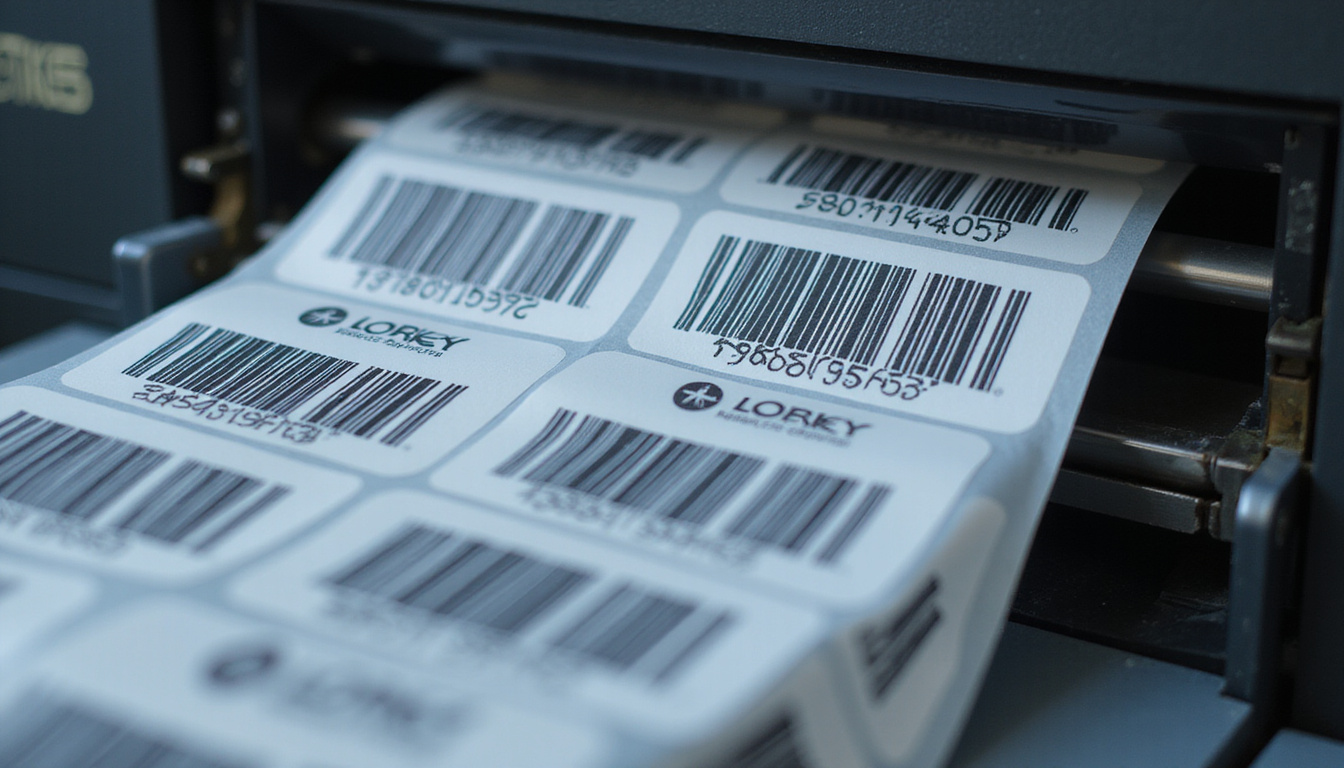
If you’re printing more than a few hundred labels per month, especially for shipping or barcodes, consider a thermal label printer:
- Direct thermal: No ink or ribbon; best for shipping labels and short-lived labels.
- Thermal transfer: Uses ribbons; better durability and resistance to heat/chemicals.
These devices can dramatically reduce your per-label cost and save time compared to inkjet/laser on sheets.
8. Build a simple label printing workflow that scales
As your business grows, labeling chaos can turn into bottlenecks and errors. A simple, repeatable process is your best friend.
A practical small-business labeling workflow
-
Template library
- Create and store standardized label templates for each product type and purpose.
- Use naming conventions (e.g., “SHIPPING_4x6_USPS” or “SOAP_4oz_FRONT”).
-
Central data source
- Keep product details (ingredients, SKUs, barcodes, pricing) in one spreadsheet or inventory system.
- Avoid retyping data; copy/paste or automate where possible.
-
Version control
- Track label versions—especially for regulated products.
- Save files with date and version (e.g., “Granola_Label_v3_2026-02.ai”).
-
Quality check
- Review a printed proof before mass printing.
- Use a simple checklist: spelling, required info present, barcode/QR scans, fit on product, color/contrast OK.
-
Application strategy
- For frequent labeling, consider a simple label applicator for bottles or jars.
- Train staff on consistent placement to maintain a professional look.
A bit of upfront organization can prevent misprints, wrong ingredients on labels, and costly rework down the line.
9. Test your labels in the real world
The final secret of great label printing: stress-test before you scale.
Things to test:
- Moisture: Fridge, freezer, bathroom, outdoor conditions.
- Friction: How does the label look after rubbing against other packages or bags?
- Heat and light: Does it fade or curl in a hot car, sunny shelf, or warehouse?
- Adhesion: Does it stay put on glass, plastic, cardboard, and other surfaces you use?
Run a simple experiment:
- Apply a few labels to real products.
- Put them through a week (or more) of typical conditions.
- Observe: Any peeling, bubbling, smudging, or fading?
Fix issues with material, adhesive type, or printer settings before committing to a full run.
FAQ about label printing for small businesses
Q1: What is the best label printing method for small businesses?
There’s no single “best” method; it depends on volume and usage. For low volumes and frequent updates, in-house label printing with a quality inkjet/laser or thermal printer is ideal. For larger runs and retail-ready packaging, outsourcing to a professional label printing service usually offers better quality and lower cost per label.
Q2: How can I print professional-looking product labels at home?
Use high-quality label stock matched to your printer type (inkjet vs. laser), design at 300 dpi, and print at actual size. Choose the right material (e.g., waterproof or oil-resistant) and test small batches. Many suppliers also offer downloadable templates that match their label sizes, making DIY label printing look much more professional.
Q3: What should I include on my product labels to be compliant and clear?
At minimum, include the product name, net contents, your brand or company name, and contact/location information. Depending on your category, add ingredients, usage directions, warnings, and any legally required panels (e.g., Nutrition Facts or Supplement Facts). When in doubt, review regulations for your product type and consult a professional before finalizing label printing.
Effective label printing is one of the most leverage-rich upgrades you can make to your small business. Strong, clear labels build trust, help you stand out on the shelf, streamline your operations, and keep you on the right side of regulations.
If you’re ready to upgrade your labels—whether that means choosing better materials, refining your design, or finding the right printing partner—start by auditing your current labels using the steps above. Then take action on one improvement this week: test a new material, clean up your layout, or trial a professional print run. The sooner your labels start working harder for you, the faster your products will attract the attention—and sales—they deserve.