
Inkjet Printing Secrets Every Small Business Owner Must Know
Inkjet printing has quietly become one of the most powerful tools in a small business owner’s toolkit. Whether you’re running a home office, a retail shop, or a creative studio, understanding how to get the most out of inkjet printing can dramatically cut costs, improve print quality, and streamline your day‑to‑day operations.
Below are the practical, money‑saving secrets many vendors, manufacturers, and even IT consultants rarely explain in plain language.
Why Inkjet Printing Still Matters for Small Businesses
Laser printers get a lot of attention, but inkjet printing remains a smart choice for many small businesses because:
- Upfront hardware costs are usually lower
- Color prints look rich and vibrant
- Photo and graphic quality can exceed many lasers
- You can print on a wider variety of media (labels, envelopes, photo paper, even some fabrics)
For light‑to‑moderate office printing, marketing collateral, or product labels, a well‑chosen inkjet device can be both economical and versatile.
Secret #1: Choosing the Right Inkjet Printer for Your Business
Not all inkjet printers are created equal. The biggest secret is that you shouldn’t shop on price alone. Focus on fit for purpose instead.
Questions to ask before you buy
-
What do you print most?
- Invoices and emails (mostly text)?
- Color flyers and brochures?
- Product labels or packaging inserts?
- Photos or designs for clients?
-
How much do you print monthly?
- Under 300 pages: entry‑level business inkjet may be enough
- 300–1,000 pages: look at business‑class inkjets with higher duty cycles
- 1,000+ pages: consider high‑yield inkjet or even a small office laser for some tasks
-
What media do you need to handle?
- Standard letter/A4 only
- Envelopes and labels
- Cardstock, glossy paper, or specialty media
Inkjet types to consider
-
Standard cartridge‑based inkjets
Lower upfront cost, but potentially higher cost per page unless you use high‑yield cartridges. -
Tank / “Eco” / continuous‑ink inkjet printers
You refill ink tanks with bottles instead of replacing cartridges. More expensive to buy, significantly cheaper cost per page—excellent for higher‑volume small businesses (source: Consumer Reports). -
Photo‑centric inkjets
Great if you sell photography, design services, or printed products; overkill if you mostly print spreadsheets.
Secret #2: Calculating Your True Cost Per Page
Manufacturers promote low printer prices, but the real cost of inkjet printing is in consumables. Smart owners never ignore cost per page.
How to calculate cost per page
Use this formula for each color set (black and color):
- Take the price of a cartridge (or bottle).
- Divide by the manufacturer’s stated page yield.
- The result is your approximate cost per page.
Example:
- Black cartridge: $25
- Yield: 500 pages
Cost per black page: $25 ÷ 500 = $0.05 (5 cents)
Do the same for color. Combined, many consumer inkjets can quietly cost 15–25 cents per full‑color page. Business‑class or tank‑based inkjet printing can bring this down to 2–7 cents.
Why this matters
- If you print 800 color sheets per month at 20 cents each, that’s $160/month.
- Switching to a tank printer at 5 cents each drops that to $40/month.
- Over three years, that’s over $4,000 saved—far more than the printer’s purchase price.
Secret #3: Ink Choices That Save Money Without Killing Your Printer
Ink is where vendors make their profit, so they push genuine cartridges hard. You have a few options—each with trade‑offs.
Genuine OEM ink
- Pros: Best compatibility, consistent color, least risk of clogs or damage
- Cons: Highest cost
Third‑party / compatible cartridges
- Pros: Can be 30–70% cheaper
- Cons: Quality varies; some printers reject them; may affect warranty if damage is proven to be caused by ink
Refilled cartridges
- Pros: Environmentally friendly and often inexpensive
- Cons: More prone to leaks, clogs, and inconsistent yields
Smart strategy for small businesses
- Use genuine black ink if you print mostly text or critical business documents.
- For marketing materials where color fidelity matters, test a reputable third‑party brand on a small scale first.
- Track print quality and failures; if issues appear, revert to OEM or switch brands.
Secret #4: Print Settings That Cut Costs Without Sacrificing Quality
Most offices waste 10–30% of their ink because print drivers default to higher quality than needed.
Adjust these key settings
-
Draft or “Economy” mode
Use for internal documents, drafts, and emails. Cuts ink usage significantly while keeping text readable. -
Grayscale or “Black ink only”
Prevents the printer from using color ink to darken black text—especially useful on some models. -
Two‑sided (duplex) printing
Halves your paper consumption for many jobs and looks more professional for reports. -
Correct paper type selection
Choose “Plain,” “Matte,” or “Glossy” as appropriate. The printer lays down different amounts of ink depending on the setting. Wrong choices can cause smearing and waste.
Create pre‑set profiles
Most printer drivers allow you to save profiles like:
- “Internal Draft – B/W, Duplex On”
- “Client Color – High Quality, Color, Single‑sided”
Train your team to select the correct profile before they print.
Secret #5: Media Matters – Choose the Right Paper for Inkjet Printing
The paper you use can make or break your results.
Types of paper to consider
-
Standard office copy paper (75–80 gsm)
Cheap and fine for text, but not ideal for heavy color or photos. -
Inkjet‑optimized paper
Coated to control ink absorption. Colors look sharper, and drying time improves. -
Matte presentation paper
Ideal for flyers, reports, and brochures when you want good color without a glossy sheen. -
Glossy or semi‑gloss photo paper
Best for images, postcards, product photos, and premium marketing pieces. -
Label and sticker sheets
Ensure they’re specifically labeled as inkjet‑compatible to avoid smearing.
Pro tip
Don’t use cheap copy paper for important client‑facing prints. Upgrading to appropriate inkjet paper can instantly elevate your brand image.
Secret #6: Preventing Clogs and Extending Printer Life
Inkjet printing has a reputation for clogged nozzles, but most issues are preventable with simple routines.
Maintenance habits that pay off
-
Print something weekly
Even a small color test page keeps ink flowing and prevents dried‑out nozzles. -
Keep the printer covered or in a low‑dust area
Dust is a major enemy of print heads. -
Run built‑in cleaning cycles sparingly
Cleaning uses ink. If prints start to look streaky, run the lightest cleaning cycle first, wait, and test again. -
Power off correctly
Use the printer’s power button so it can park and seal the print head. Pulling the plug repeatedly can dry out heads faster.
Regular light use keeps an inkjet healthier than long idle periods followed by heavy printing.
Modern inkjet printing isn’t just USB‑based; many devices connect via Wi‑Fi or Ethernet.
Network best practices
- Place the printer on your secure business Wi‑Fi, not a public guest network.
- Change default admin passwords on the printer’s web interface.
- Limit who can install printer drivers on company PCs to prevent misconfigurations.
For very small offices, a simple USB‑connected printer shared from a central PC may suffice, but networked printers scale better as you grow.
Secret #8: Turning Your Inkjet Printer into a Marketing Engine
Your inkjet printing setup can be more than an office utility—it can be a low‑cost marketing machine.
Marketing materials you can produce in‑house
- Short‑run flyers and brochures
- Product spec sheets and one‑pagers
- Loyalty cards or punch cards (on thicker matte card stock)
- Shelf talkers and in‑store signage
- Event signs and table toppers
- Personalized proposal covers and pitch decks
Producing these on demand allows you to:
- Test different designs quickly
- Segment messaging for specific audiences
- Avoid large, expensive print runs that may go unused
For high‑volume or color‑critical runs, a professional print shop still makes sense—but your inkjet covers prototypes, small batches, and last‑minute needs.
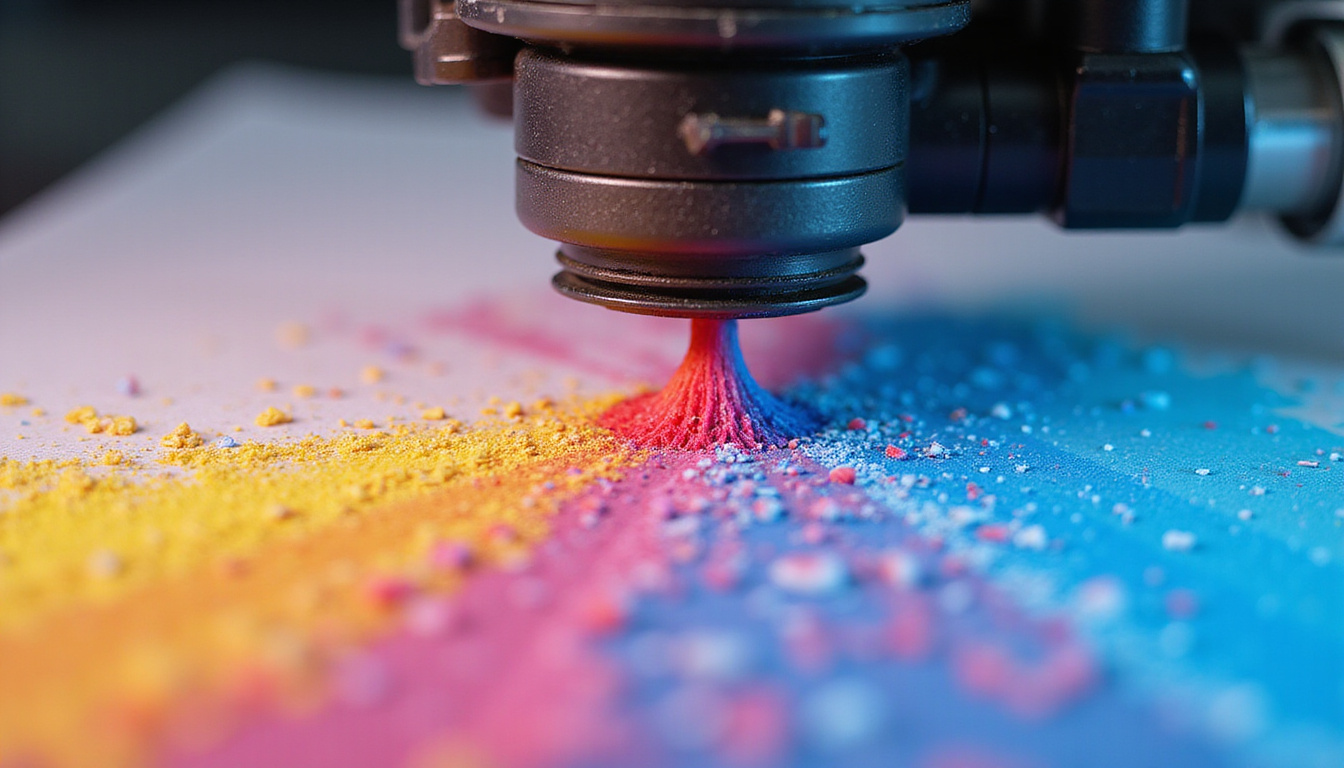
Secret #9: Tracking Usage and Implementing Print Policies
To truly control inkjet printing costs, you must know who is printing what.
Simple steps to control usage
- Assign one person to manage ink and paper inventory.
- Discourage personal printing or set specific rules for it.
- Use print tracking software (built‑in on some printers) to see usage by user or device.
- Post a simple print policy near the printer (e.g., “Draft mode for internal docs, color only when necessary”).
Even a basic awareness campaign can noticeably reduce wasted prints.
Secret #10: When to Use Inkjet vs. Outsourcing
Not every job is ideal for in‑house inkjet printing. Use this simple guide:
Keep in‑house with inkjet when:
- You need small quantities (1–250 copies).
- Content changes frequently (menus, prices, offers).
- Timing is tight—you need it today or tomorrow.
- Personalization or small variations are needed.
Outsource to a print shop when:
- You need hundreds or thousands of identical copies.
- You want special finishes (lamination, spot UV, folding, binding).
- Exact color matching across brands and materials is mission‑critical.
Combining smart in‑house inkjet printing with selective outsourcing gives you the best of both worlds: flexibility and cost control.
FAQ About Inkjet Printing for Small Businesses
1. Is inkjet printing or laser better for a small business?
For primarily text‑based, high‑volume printing, laser can be cheaper per page. For small businesses that need rich color, photos, or versatile media handling with moderate volume, inkjet printing—especially tank‑based models—often offers better value.
2. How can I reduce ink usage on my inkjet printer without losing quality?
Use draft mode for internal documents, enable duplex printing, print in grayscale when color isn’t needed, and match paper type settings correctly. Also, choose a business‑class inkjet designed for lower cost per page.
3. Is inkjet printing good enough for professional marketing materials?
Yes—many modern inkjets produce excellent results on quality presentation or photo paper. For short runs and personalized pieces, inkjet printing is ideal. For very large, color‑critical campaigns, complement it with professional offset or digital printing.
Inkjet printing, when understood and managed correctly, becomes a strategic asset—not just an office expense. By choosing the right printer, optimizing your settings, selecting suitable ink and media, and enforcing simple policies, you can unlock impressive print quality while keeping costs firmly under control.
If you’re ready to turn your printer from a cost center into a competitive advantage, start by auditing your current inkjet printing habits, then apply the secrets above one by one. Need help evaluating your setup or choosing a new printer? Reach out to a trusted IT or print specialist and use this guide as your checklist—so your next inkjet investment pays you back every month.