
Print Templates Pros Use to Double Engagement With Minimal Effort
If you’re still starting every flyer, brochure, or postcard from a blank page, you’re wasting time and leaving results on the table. The right print templates let you move fast, stay on brand, and create materials that actually get read and acted on—without needing a full design team. Pros use them to multiply their output and, more importantly, to double engagement with the same (or less) effort.
Below is a practical, people-first guide to choosing, customizing, and using print templates like a pro.
Why Smart Pros Rely on Print Templates
Professionals don’t use print templates because they’re lazy; they use them because they’re efficient.
The real advantages
- Speed – Launch campaigns in hours instead of days. No more waiting on full custom designs for every piece.
- Consistency – Keep colors, fonts, and layout consistent across your brand, which builds trust and recognition.
- Conversion-focused layouts – Many premium templates are built around proven design patterns that make people more likely to notice, read, and respond.
- Lower costs – You can reserve custom design spend for high-stakes projects and handle the rest in-house.
- Scalability – Perfect for franchises, multi-location businesses, and teams that need a steady stream of print materials.
When used correctly, print templates don’t just save time; they improve the quality of what you send out into the world.
The Types of Print Templates That Move the Needle
Not all print materials are equal when it comes to engagement. These formats tend to deliver the biggest impact for most businesses.
1. Flyers and handouts
Ideal for:
- Local promotions
- Events and launches
- Limited-time offers
Why they work: Flyers get quick, high-volume exposure. A good template will feature a bold headline, eye-catching imagery, and a clear, singular call to action (CTA).
2. Postcards and direct mail
Ideal for:
- Reactivating past customers
- Targeted neighborhood campaigns
- Seasonal promotions
Why they work: Physical mail still gets a surprisingly high response rate compared to many digital channels (source: Data & Marketing Association). The best postcard templates emphasize a compelling offer, easy-to-read copy, and scannable contact or QR code info.
3. Brochures and catalogs
Ideal for:
- Complex products or services
- Real estate listings
- Nonprofits and education
Why they work: Tri-fold brochures, bi-folds, and mini catalogs let you tell a story and answer FAQs in one piece. Strong templates structure your content so it flows logically and doesn’t overwhelm.
Ideal for:
- In-store promotions
- Conferences and trade shows
- Events and performances
Why they work: Great poster templates prioritize hierarchy—big, clear headlines and minimal but powerful supporting information.
5. Business cards and leave-behinds
Ideal for:
- Networking
- Sales calls and consultations
- Service professionals
Why they work: Well-designed business card templates keep things clean and legible, making it easy for people to remember and contact you.
Core Elements Every High-Engagement Print Template Must Have
The difference between average and high-performing print templates is often in a few key details.
Clear visual hierarchy
Pros think in “scan patterns.” Your template should guide the eye:
- Primary headline – The main benefit or message.
- Visual – Photo, illustration, or graphic that reinforces your message.
- Supporting details – Short, scannable copy.
- Call to action – What to do next, and how.
If a template looks busy or you’re not sure where your eyes should go first, skip it.
Focused call to action
Every piece should have one dominant CTA, such as:
- “Call now for a free quote”
- “Claim your 20% discount before Friday”
- “Scan to see the full menu”
Good print templates often reserve a dedicated, visually distinct area for the CTA so it can’t be missed.
Brand-friendly structure
Look for templates that easily accommodate:
- Your logo
- Your primary and secondary brand colors
- Your fonts (or close equivalents)
The goal is to make each template feel like a natural extension of your brand, not a generic stock piece.
Room for real-world content
Highly polished mockups can be misleading. You need templates that still look good when:
- Your product photos aren’t “studio perfect”
- You have more or fewer words than the example
- You need to highlight legal disclaimers, pricing, or fine print
Flexibility beats perfection. Pros favor templates with generous margins and content blocks that can expand or contract.
How to Customize Print Templates for Maximum Engagement
Buying or downloading a template is step one. Making it perform for you is where the real leverage happens.
Step 1: Start with your outcome, not the design
Before touching colors or fonts, answer:
- Who is this for?
- What do I want them to do after seeing this?
- What is the single most compelling benefit or offer for them?
Use those answers to guide which template you choose and how you reshape it.
Step 2: Rewrite the copy for clarity and benefit
Most stock print templates come with filler text. Replace it with:
- A benefit-driven headline – “Cut your energy bill by 30% this winter” beats “Winter Special.”
- Plain language – Avoid jargon unless your audience expects it.
- Proof elements – Add a short testimonial, review star rating, or quick data point if space allows.
Keep paragraphs short and use bullets for lists so people can scan quickly.
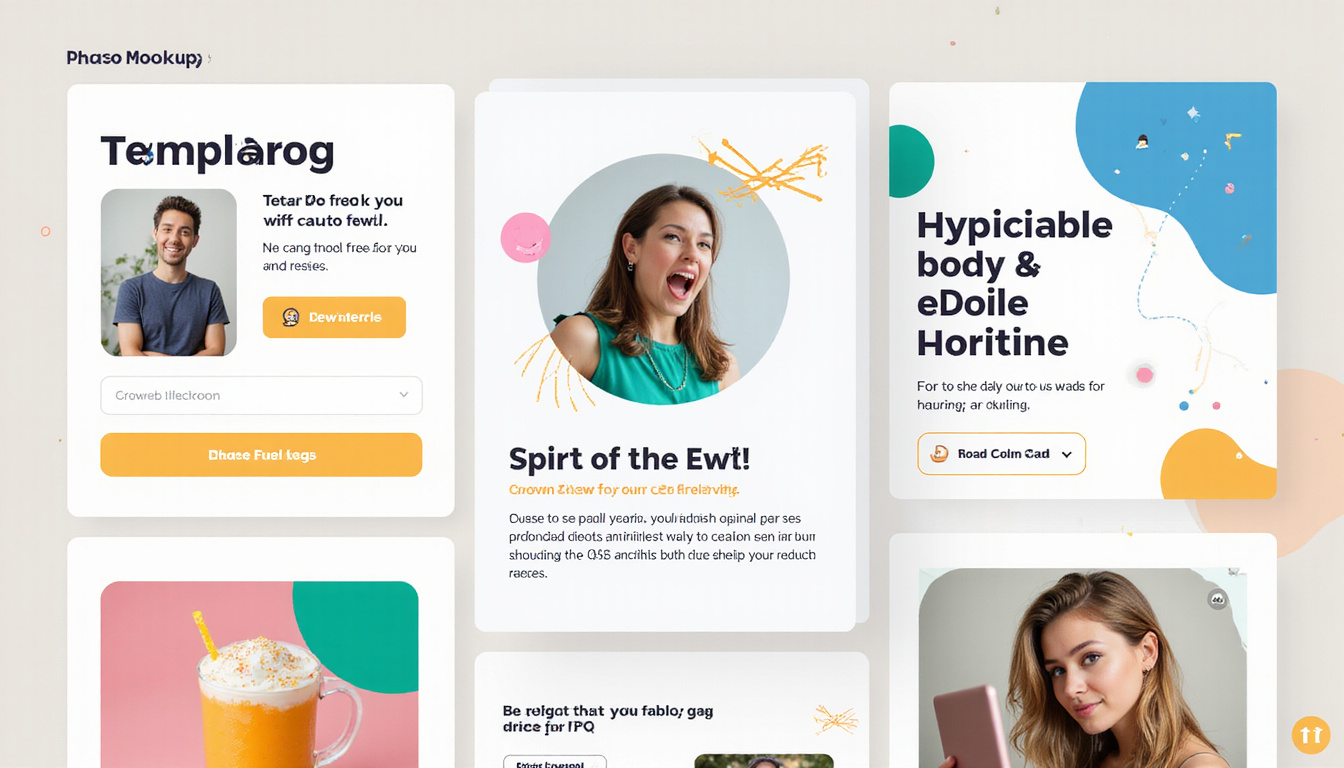
Step 3: Swap images strategically
Pros don’t settle for the default images inside print templates. Instead:
- Use photos that match your real customers or products.
- Favor images that show a result or transformation (before/after, problem/solution).
- Ensure images are high-resolution (usually 300 DPI for print).
If you must use stock photos, choose ones that feel authentic, not overly posed.
Step 4: Apply your brand but keep contrast strong
- Use your brand colors, but ensure there’s enough contrast between background and text.
- If your brand palette is soft or pastel, add a darker accent color for text and important buttons/badges.
- Stick to 1–2 fonts max. Use size, weight, and color to create hierarchy instead of adding more typefaces.
Step 5: Optimize for print quality
Before sending to the printer:
- Check that all images are 300 DPI.
- Convert colors to CMYK (if required by your printer).
- Confirm bleed and safe zones are correct so nothing critical gets cut off.
- Export to printer-ready PDF.
This is where many DIY efforts fall short; professionals treat this step as non-negotiable.
The “Minimal Effort, Maximum Engagement” Workflow the Pros Use
Here’s a simple system to get pro-level results without design overwhelm.
-
Build a small, curated template library
Choose 3–7 core print templates that cover your primary needs—e.g., one flyer, one postcard, one brochure, one poster. -
Create brand-specific master versions
Customize each template once with your logo, brand colors, fonts, and basic contact info. Save these as locked “master files.” -
Standardize recurring campaigns
For regular promotions (monthly specials, events, seasonal sales), re-use the same template with updated:- Headline
- Offer/price
- Dates
- Images
-
Delegate safely
Because the core layout is already on-brand, you can confidently hand updates to non-designers with minimal risk. -
Test and track engagement
- Use unique promo codes, QR codes, or URLs per print piece.
- Track calls, visits, or redemptions tied to each design.
- Keep what works, adjust or retire what doesn’t.
When you run this workflow, the time-consuming part—layout and structure—is handled once, and all future effort is focused on messaging and offers.
Common Mistakes When Using Print Templates (and How to Avoid Them)
Even good print templates can yield poor results if misused. Watch out for these pitfalls:
-
Overcrowding the design
Cramming in every possible message makes nothing stand out. Stick to one primary message and a limited number of supporting points. -
Tiny text to “fit everything”
If someone has to squint, engagement drops. Edit down your copy instead of shrinking it. -
Ignoring margins and bleed
Pushing text or logos to the absolute edge risks them being cut off in printing. Respect safe zones. -
Inconsistent branding across pieces
When your postcard, flyer, and brochure all look unrelated, you lose cumulative recognition. Use one cohesive set of print templates. -
No clear next step
An attractive design without a clear CTA is like a store with no checkout counter. Always tell people exactly what to do next.
How to Choose the Right Source for Your Print Templates
The quality and flexibility of your templates depend heavily on where you get them.
What to look for
- Print-focused marketplaces – Platforms that specialize in print (not just web graphics) usually understand bleed, safe zones, and DPI needs.
- Editable formats – Look for PSD, AI, INDD, or fully editable PDF files, or browser-based editors if you don’t use pro software.
- Clear licensing – Ensure you’re allowed to use the templates commercially.
- Template families – Sets that include matching flyers, postcards, brochures, and social graphics make branding easier.
If you already use an online printer, check their built-in libraries. Many offer free or low-cost print templates optimized specifically for their presses.
FAQs About Print Templates and Engagement
1. How can I make my print template designs more engaging?
Focus on a clear, benefit-driven headline, a strong visual, and a single obvious CTA. Use white space generously so the design breathes. Start with print templates that already show good hierarchy and then customize the text and imagery to match your customer’s biggest pain point or desire.
2. Are free printable templates good enough for professional use?
Some free printable templates can work well, especially for basic materials like flyers or business cards. The key is to choose options that support high-resolution output, proper bleed settings, and easy customization. For mission-critical campaigns, investing in premium print templates often pays off through higher engagement and fewer printing issues.
3. What’s the best way to reuse print design templates across campaigns?
Create a small set of brand-ready master files, then duplicate them each time you run a new campaign. Update only the variables—headline, offer, dates, and images—while keeping layout, fonts, and brand colors locked. This approach lets you maintain a consistent look while steadily improving performance based on what your audience responds to.
Turn Templates into a Silent Sales Team for Your Business
Every print piece you send into the world is either working hard for you or quietly underperforming. By choosing smart, well-structured print templates and customizing them with clear messaging and consistent branding, you can dramatically boost engagement—without increasing your workload.
If you’re ready to move beyond scattered, one-off designs and build a reliable system for high-impact print marketing, start by curating a small library of templates tailored to your goals. Then turn them into brand-ready masters, and use them as the backbone of every campaign you run.
The next flyer, postcard, or brochure you send could be the one that doubles response and makes your marketing feel effortless. Choose your first set of print templates today, customize them once, and let them start doing the heavy lifting for your business.