
QR code printing has evolved from a novelty into one of the most practical ways to connect physical products, packaging, and signage with digital experiences. But simply slapping a black-and-white square on a label doesn’t guarantee results. To truly boost engagement, you need smart strategies that make your QR codes easy to scan, visually appealing, and deeply useful to your audience.
This guide walks through practical QR code printing hacks you can use right away—whether you’re labeling products, shipping parcels, event badges, or marketing materials.
Why QR code printing is a high-impact engagement tool
Done correctly, QR code printing turns any physical item into a clickable link. That means:
- You can track scans and optimize campaigns.
- Customers get instant access to videos, instructions, coupons, or support.
- You reduce friction—no URLs to type, no apps to search.
Studies show that QR code usage rose sharply after 2020 and continues to grow as smartphones make scanning a one-tap action (source: Forbes Tech Council). The opportunity is huge, but only if your QR codes are actually scanned and used.
Hack #1: Design for real-world scanning conditions
Most QR code printing fails not in design software, but in the real world. Before worrying about fancy designs, get the fundamentals rock-solid.
Choose the right size for distance
A simple rule of thumb: the farther away your audience stands, the larger the QR code must be.
- For packaging in-hand: 1–1.2 inches (2.5–3 cm) per side is typically enough.
- For table tents or brochures: 1.2–2 inches (3–5 cm).
- For posters or signage scanned from a distance: test at 8–10 feet; often 2.4 inches (6+ cm) or more is needed.
Print a sample, put it in the intended location, and test scanning with multiple phones.
Maintain strong contrast
Maximum contrast equals maximum scannability.
- Dark code on a light background is best (not the other way around).
- Avoid gradients that fade into the background.
- Steer clear of busy backgrounds—keep the space around the code clean.
For print, a dark navy or charcoal is fine if the background is light and the contrast is high.
Protect the “quiet zone”
The quiet zone is the blank margin around a QR code. If you crowd it with text, borders, or graphics, scanners struggle.
- Leave at least 4 modules (the tiny squares) of empty space on all sides.
- Don’t put crop marks or decorative frames too close to the edge.
- Avoid printing codes right at the edge of labels or folds where they can be cut off.
Hack #2: Use dynamic QR codes to keep labels evergreen
Static QR codes hard-code the URL. Once printed, you can’t change where they point without reprinting everything.
Dynamic QR codes encode a redirect link, so you can:
- Update the target URL anytime.
- Run A/B tests on content and see what converts.
- Fix mistakes without scrapping inventory.
For example:
- On product labels, you can switch from a generic landing page to a seasonal campaign.
- On event badges, you can update profiles or schedules in real time.
- On shipping labels, you can point to the latest tracking or return options.
If your QR code printing involves large volumes or long-lived labels (packaging, manuals, signage), dynamic codes are almost always worth using.
Hack #3: Pair each code with a compelling value proposition
One of the most common reasons QR codes underperform: no one knows why they should scan them.
Treat every QR code like a call-to-action button. Tell people what they get.
Replace vague labels like:
- “Scan for more info”
With specific, benefit-driven prompts:
- “Scan for a 10% loyalty coupon”
- “Scan to watch the 60-second setup video”
- “Scan for allergen details & sourcing info”
- “Scan to track this shipment in real time”
Place this copy immediately above or below the QR code, using clear, legible text. If you’re printing on small labels, prioritize this message even if you have to shorten other text.
Hack #4: Customize design without breaking functionality
Custom design can increase engagement, but it’s easy to overdo. Balance style and scannability.
Smart customization ideas
- Brand colors (carefully): Use your brand color for the “dark” modules, as long as it’s dark enough. Avoid pale pastels for the code itself.
- Logo in the center: Many QR generators let you insert a logo in the middle. Keep it small (no more than ~30% of the code area), and maintain a strong contrast around it.
- Rounded modules: Rounded or dot-style QR codes can look friendlier and more premium while staying scannable.
What to avoid
- Overlapping artwork on the code pattern.
- Extremely low contrast “aesthetic” designs.
- Heavy textures, foils, or varnishes over the code that cause glare.
Always print a small test run and scan with multiple phones before committing to a full batch.
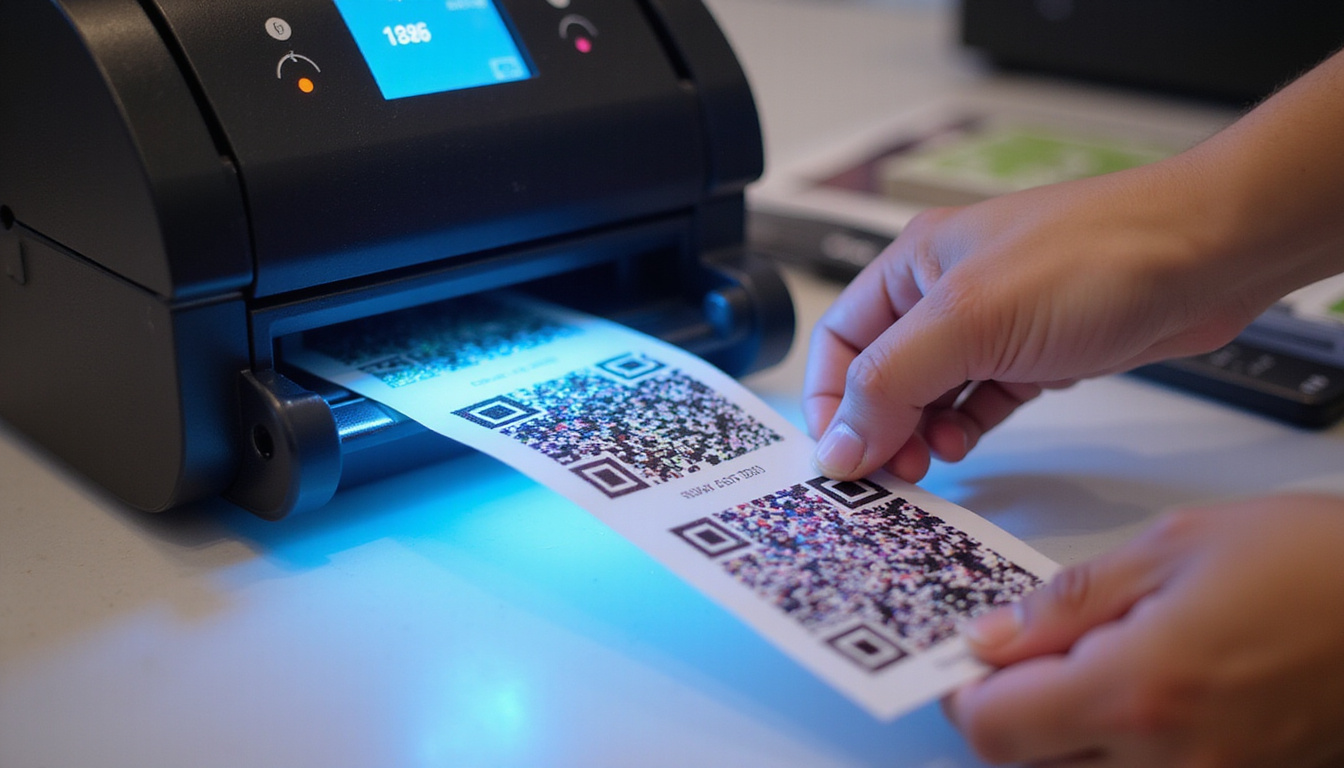
Hack #5: Choose the right print materials and finishes
The materials and finishes you choose dramatically affect how well QR codes scan and how long they last.
Consider surface reflectivity
- Matte or satin finishes are generally safest—less glare.
- Glossy finishes can work, but under bright lights they may reflect too much, making scanning harder. Test under real lighting conditions.
Match material to the environment
- Outdoor signage: Use weather-resistant substrates and UV-resistant ink so codes don’t fade.
- Industrial or refrigerated environments: Choose waterproof, chemical-resistant label stock.
- Curved surfaces (bottles, tubes): Keep the QR code small enough so it’s not distorted, and test on the actual container.
Your print provider can recommend stocks optimized for QR code printing; tell them scanning reliability is a priority.
Hack #6: Connect QR codes to high-value experiences
A QR code is only as good as what’s behind it. To boost engagement, send people somewhere truly helpful, not just your homepage.
Here are high-performance destinations to consider:
-
Instructional or demo videos
- Short “unboxing” or setup videos.
- Usage tips or recipe demos on food packaging.
-
Personalized landing pages
- Unique pages by product line, store location, or event.
- Tailored offers based on where the label appears (e.g., in-store vs. shipped packaging).
-
Loyalty and review funnels
- Direct customers to leave a review for the specific product they purchased.
- Offer bonus points or a small perk after submission.
-
Support and troubleshooting
- FAQs and diagnostic checklists for complex products.
- Direct chat or ticket submission for faster help.
-
Compliance and transparency
- Safety sheets, ingredient disclosures, sustainability or sourcing details.
- Certificates or warranty registration pages.
The more clearly the destination solves your user’s immediate question or need, the higher your engagement.
Hack #7: Track, test, and iterate your QR code printing campaigns
One huge benefit of QR code printing is measurable offline-to-online behavior. With dynamic codes and analytics, you can treat every label as a trackable campaign.
What to measure
- Total scans and unique scanners
- Scan locations (by country, city)
- Time-of-day and day-of-week scans
- Device types and OS
- Conversion events (sign-ups, purchases, video views)
Simple tests to run
- Change the call-to-action text and compare scan rates.
- Test different incentives (discount vs. free resource vs. video access).
- Try alternative landing page layouts and messages.
Use UTM parameters with your QR code URLs so analytics tools (like Google Analytics) clearly show performance by campaign.
Hack #8: Mind accessibility and inclusivity
Not everyone is equally comfortable or able to scan QR codes. Make your labels friendlier and more inclusive by:
- Adding a short URL near the QR code as a backup access route.
- Writing clear instructions, e.g., “Open your camera and point at the code to scan.”
- Ensuring readable type size for instructions and URLs.
- Avoiding color combinations that are hard for color-blind users (e.g., red on green).
If your target audience includes older users or low-tech environments, these small tweaks can significantly increase engagement.
Hack #9: Optimize QR code placement in real contexts
Where and how you place your QR codes matters almost as much as what they link to.
- Keep them reachable: On packaging, place them where the user naturally looks when opening or using the product, not on the crumpled corner or underside.
- Avoid folds, seams, and curves: Don’t place codes across box creases, label overlaps, or tight curves.
- Think about orientation: People should be able to scan without twisting or rotating items excessively.
- Consider timing: For complex products, put a “setup” QR code on protective films or first-open flaps—where users look at the moment they need guidance.
Practical checklist for effective QR code printing
Use this quick list before your next print run:
- Code size matches typical scan distance.
- High contrast (dark code, light background).
- Adequate quiet zone around the code.
- Minimal glare and appropriate finish (prefer matte).
- Dynamic QR code in use for flexibility and tracking.
- Clear, benefit-driven call-to-action text.
- Landing page/mobile content tested on multiple devices.
- Design customizations tested for scannability.
- Short URL or alternative access included, if possible.
- Sample prints tested under real lighting and usage conditions.
FAQ: Common questions about QR code printing and labels
Q1: What’s the best size for QR code printing on product labels?
For most handheld products, QR code printing at around 1–1.2 inches (2.5–3 cm) per side is sufficient. If your labels will sit on shelves where people scan from a short distance, err toward 1.5–2 inches. Always print a test label on the actual packaging and scan with multiple devices.
Q2: Can I use color and logos in my QR code labels without hurting scan rates?
Yes, you can incorporate brand colors and a small logo as long as you maintain strong contrast and preserve the code structure. Keep the logo relatively small, ensure there’s a quiet zone around the code, and test heavily before full QR code printing runs. Avoid light-on-light color combinations or busy backgrounds.
Q3: How do I track performance from QR code label printing campaigns?
Use dynamic QR codes linked to URLs with UTM tracking parameters. This lets your analytics platform report on scans, locations, and conversions tied to each printed label or campaign. Many QR code printing tools provide built-in analytics dashboards so you can monitor scan counts and engagement over time.
Turn every label into a powerful engagement channel
Your customers are already holding your products, reading your mailers, and walking past your signage. With thoughtful QR code printing strategies, you can turn those everyday touchpoints into high-performing digital entry points—driving more sign-ups, repeat purchases, and satisfied users.
If you’re ready to upgrade your labels and packaging, start by testing one or two of these hacks on a small run: switch to dynamic codes, refine your call-to-action, and connect each scan to a genuinely helpful experience. Once you see the lift in engagement and measurable results, roll out your optimized QR code printing strategy across your full product line and marketing materials.